Karaoke Night
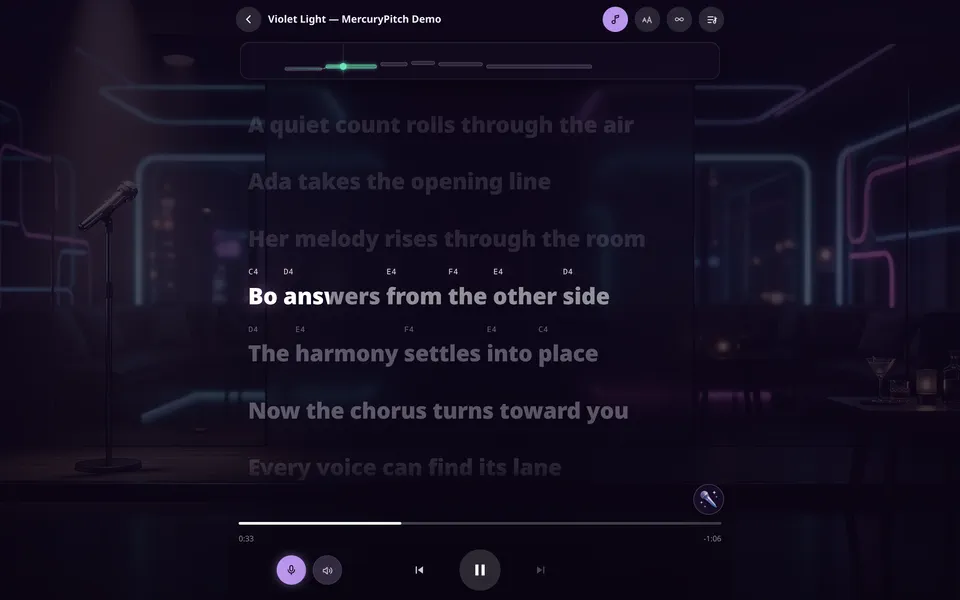
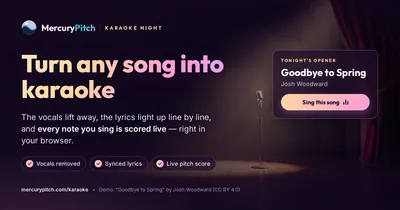
The vocals step back, the lyrics light up word by word, and every note you sing is scored.
Karaoke and voice practice in your browser
Pick a song: the vocals step back, the lyrics light up in time, and every note you sing is drawn against the one you aimed for. Or learn your range in about a minute with the Voice Mirror.
The rooms
Singers came first. Pianists, guitarists and drummers now have rooms that listen the same way, and Ear Lab tests your hearing.
The vocals step back, the lyrics light up word by word, and every note you sing is scored.

Sing for a minute. Get your range, your accuracy and a voice twin.
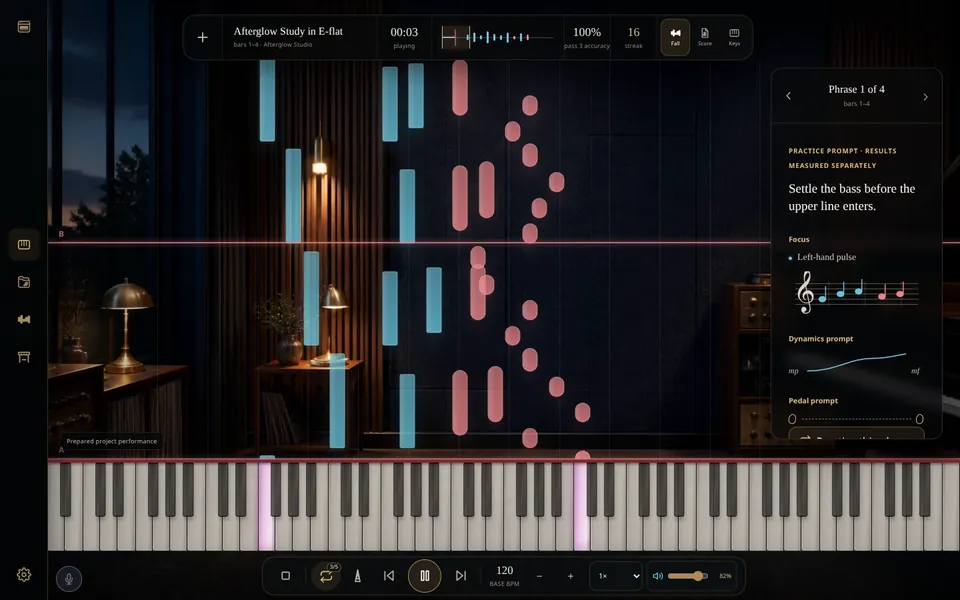
Read it falling, on a staff or on the keys, and loop the bar that won't sit.
 Vocal range test Your lowest and highest note
  Voice type test The voice band your range fits
  Pitch training Sing on pitch, scored in cents
  Vocal remover Split a song into vocals and backing
 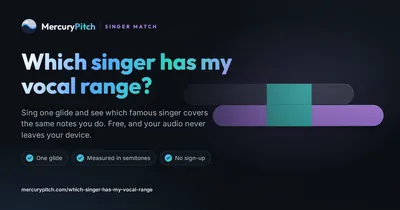 Which singer has my range? A famous singer who covers your notes
  Break Glass Hold the note until the glass breaks
 Karaoke Night
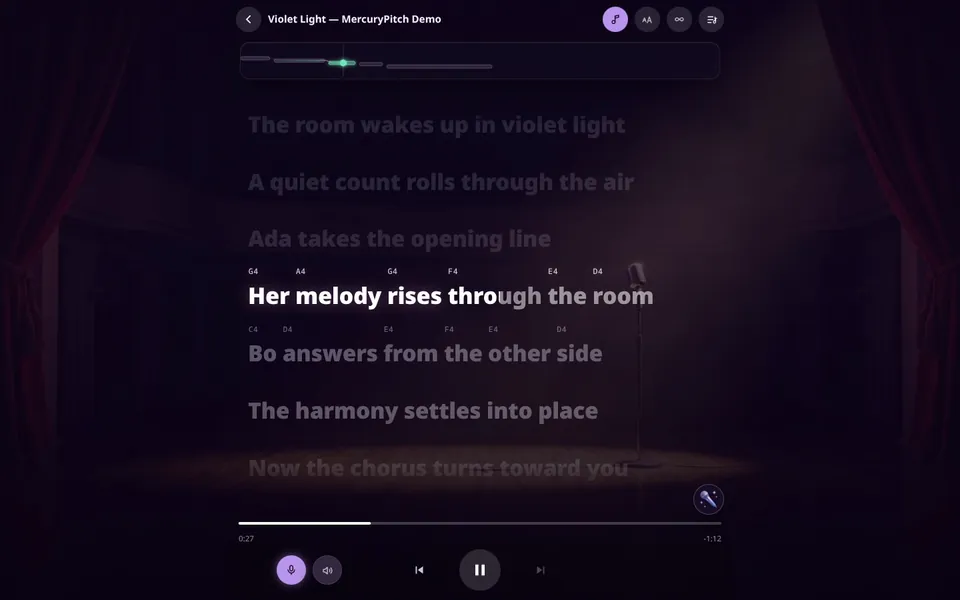
The lyrics light up word by word with the note to sing above each one, and every note you sing is drawn against the melody.
Three example songs come ready, with the vocals already separated and the lyrics timed word by word. Try singing Goodbye to Spring or Nothing in the Dark, both by Josh Woodward (CC BY 4.0).
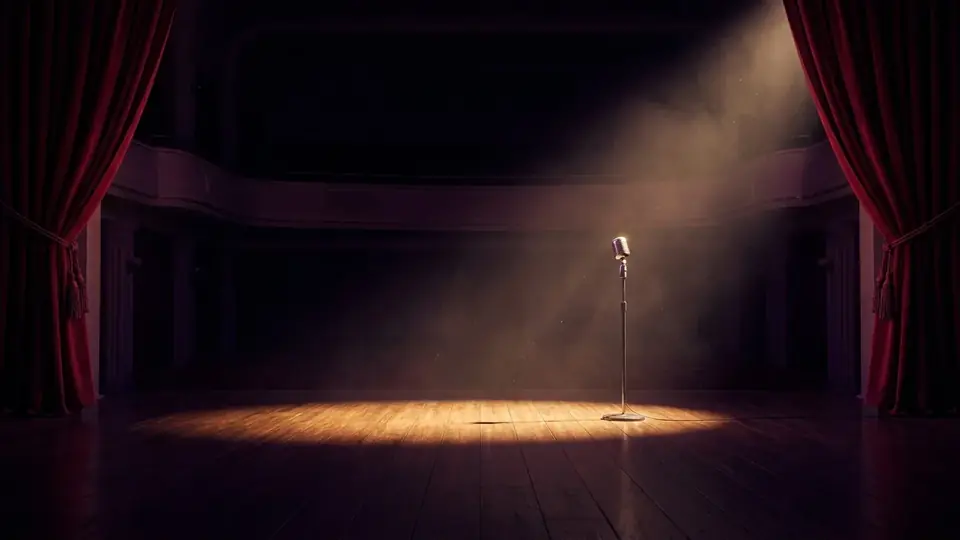
Two of these are free and three are for supporters. See the backgrounds room by room.
The Voice Mirror
About a minute, in four steps
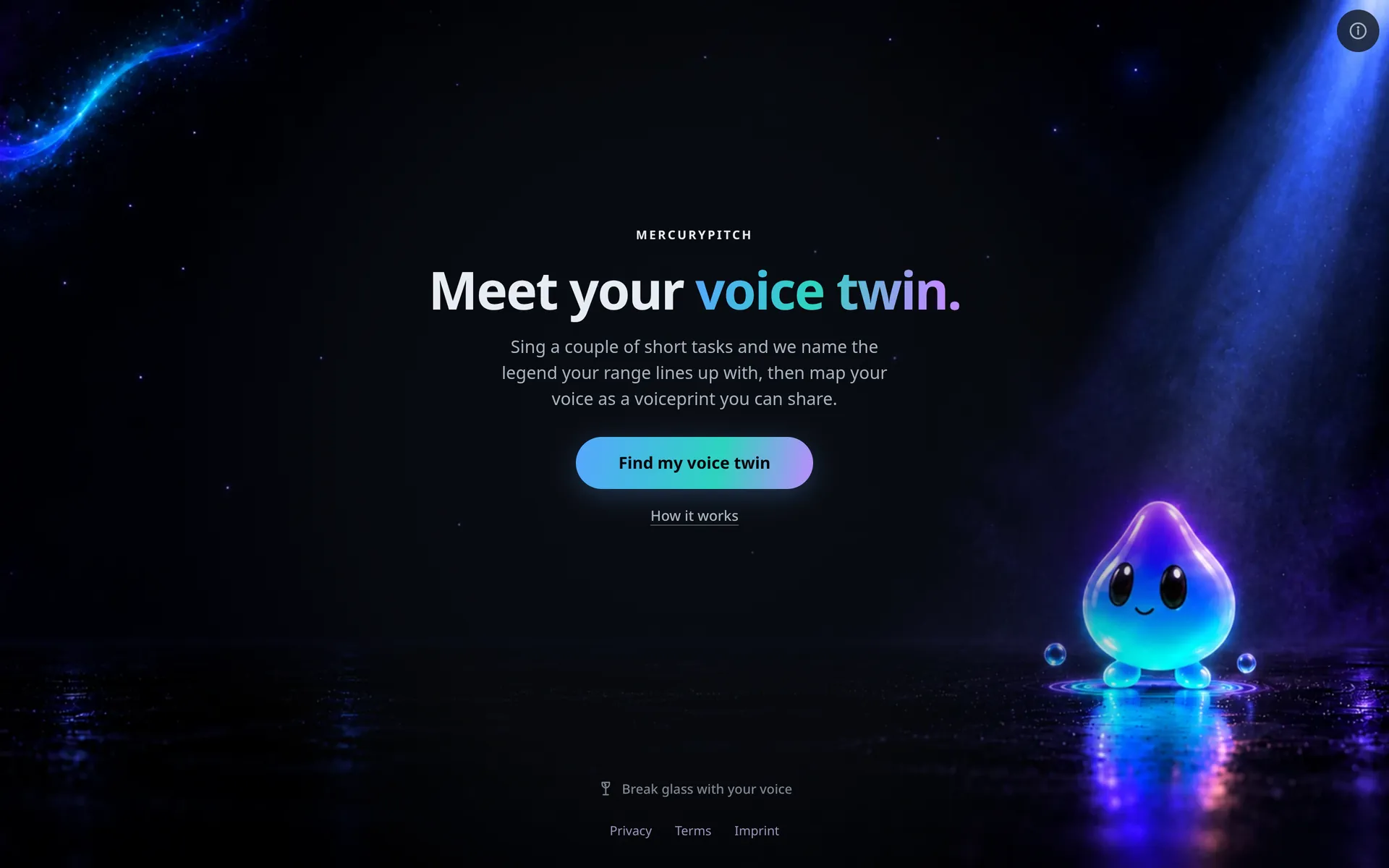
Slide up from your lowest comfortable note to your highest, like a siren, then slide back down. Hold one note steady, and the Mirror names the legendary singer whose range lines up with yours. Then it plays five short notes for you to sing back, any octave counts, and puts your range, accuracy and steadiness on a voiceprint you can share.
Sing it again later in the same browser and your results show how your range changed since your last run.
Sing the Universe: melodies made from stars, pulsars and a black hole.
Jam Rooms
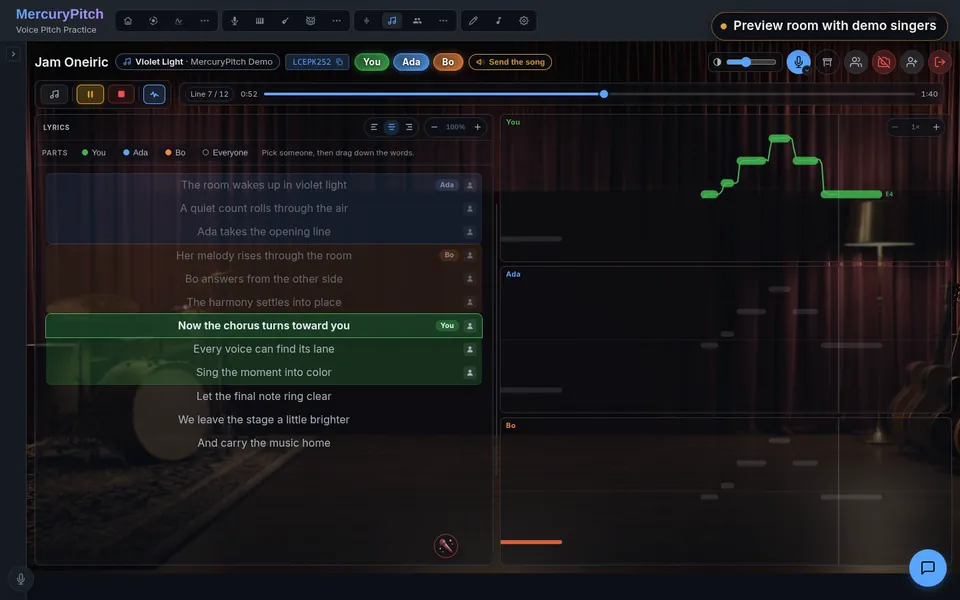
Open a room and send the link. Pick a singer, drag down their lines, and the lyrics split into parts. Everyone reads the same words, each singer gets a live pitch lane in their own color, and one transport keeps the whole room on the same beat.
Your voice goes to the people in the room: straight to them when your networks allow it, through Cloudflare's relay when they don't. A backing track only ever travels directly, never over the relay.
Piano, guitar and drums
Each room reads the part to you, loops the bar you keep missing, and listens to what you play.
Every note falls toward the key that plays it.
A study is already on the stand when you arrive. Read it as falling notes, a staff or the keys, slow a phrase to half speed, and repeat it up to 100 times until it sits. Play the keys on screen or plug in a MIDI keyboard, and bring your own MIDI file when you're ready.
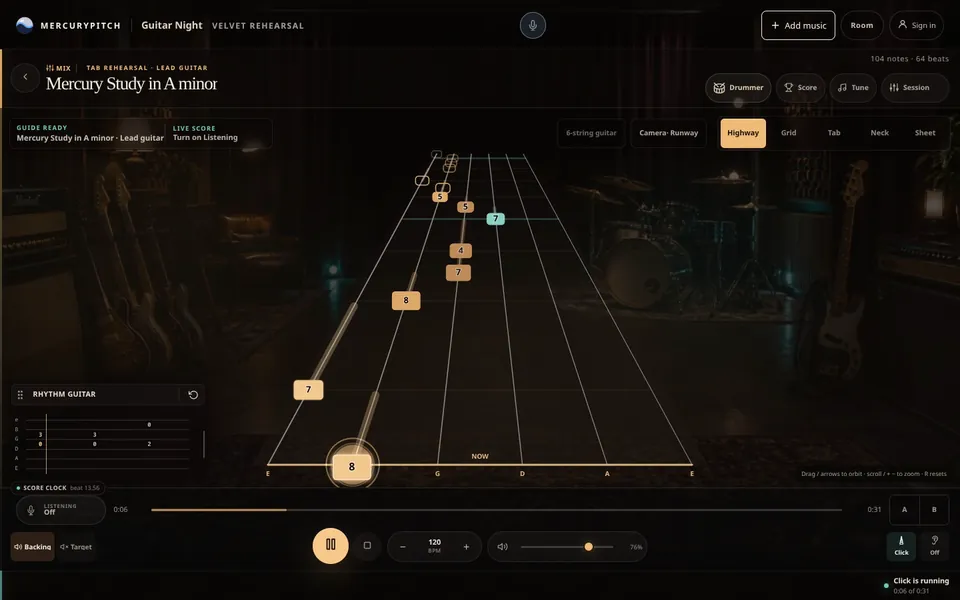
Tab that rides a highway to your fret.
Load a recording, a Guitar Pro file or MIDI, and the part becomes a highway of fret numbers. Switch to Grid, Tab, Neck or Sheet when you'd rather read it another way. Tune up, turn on Listening with a room mic, an audio interface or MIDI, and loop the four bars you keep missing.
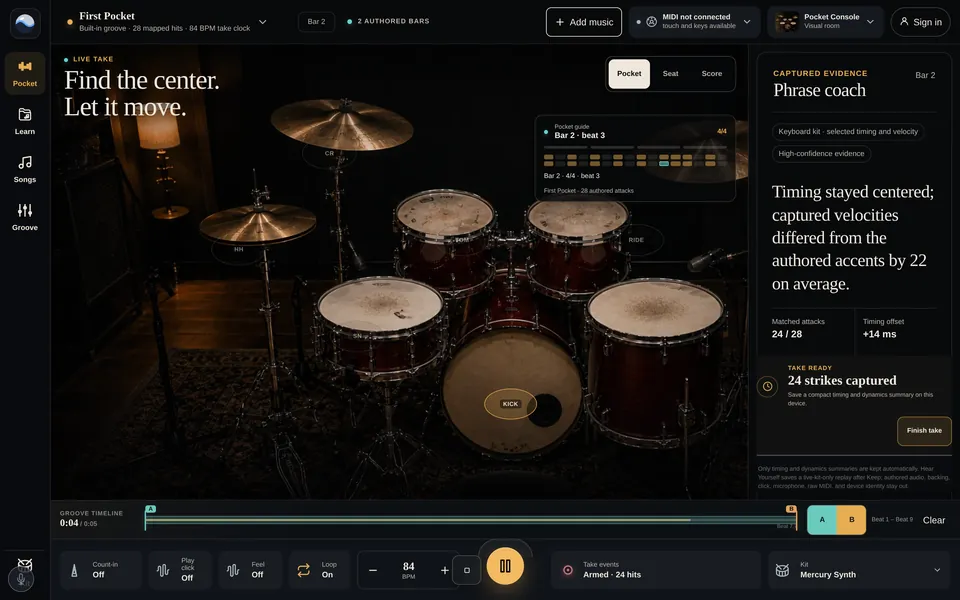
Find out how late that hit really was.
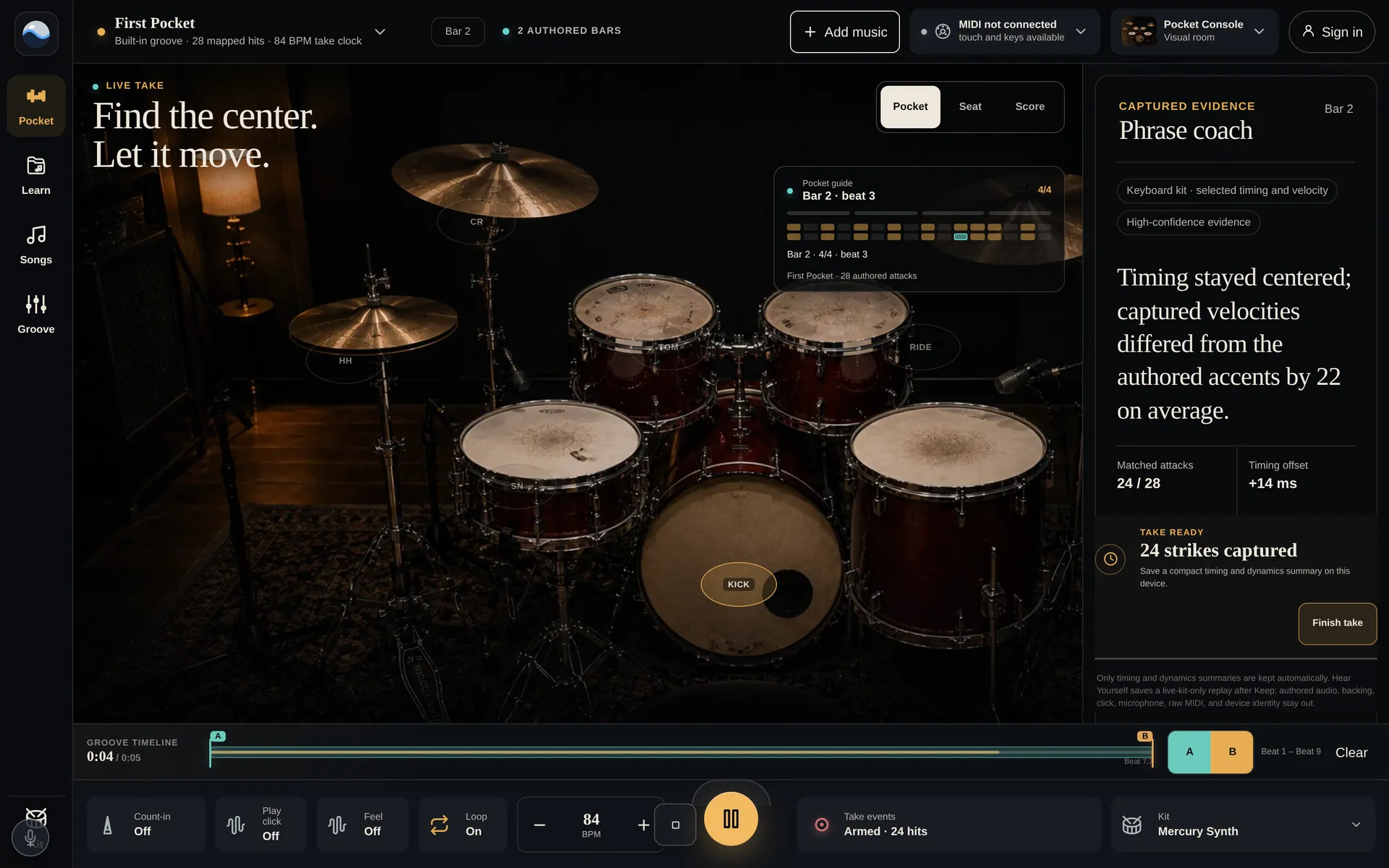
Play on touch, on your computer keys or on an electronic kit over MIDI. Import MIDI or Guitar Pro percussion and read the part as a pocket guide, from the drummer's seat or as notation. The coach reports how early or late each hit landed and how hard, in milliseconds rather than a grade.
Ear Lab
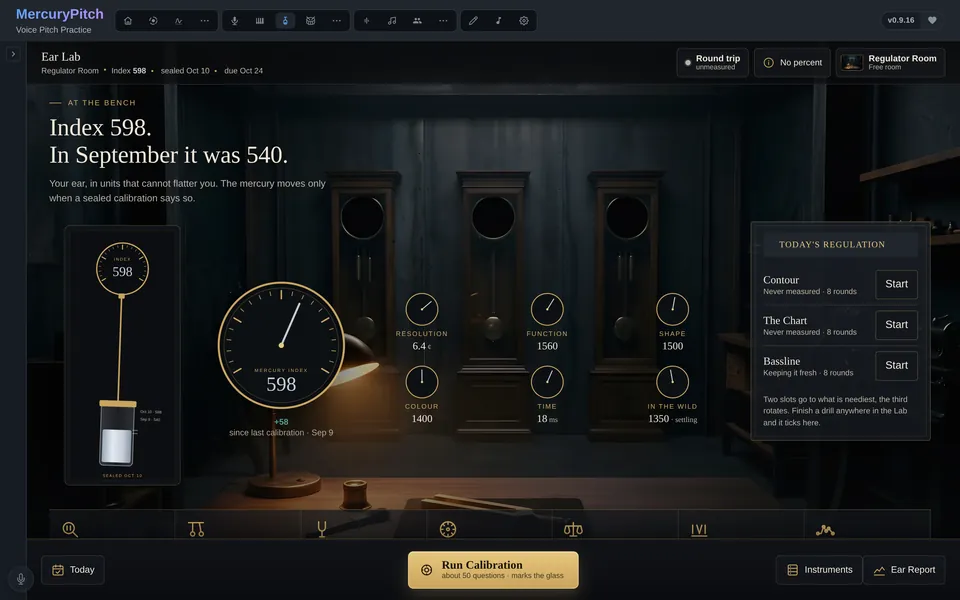
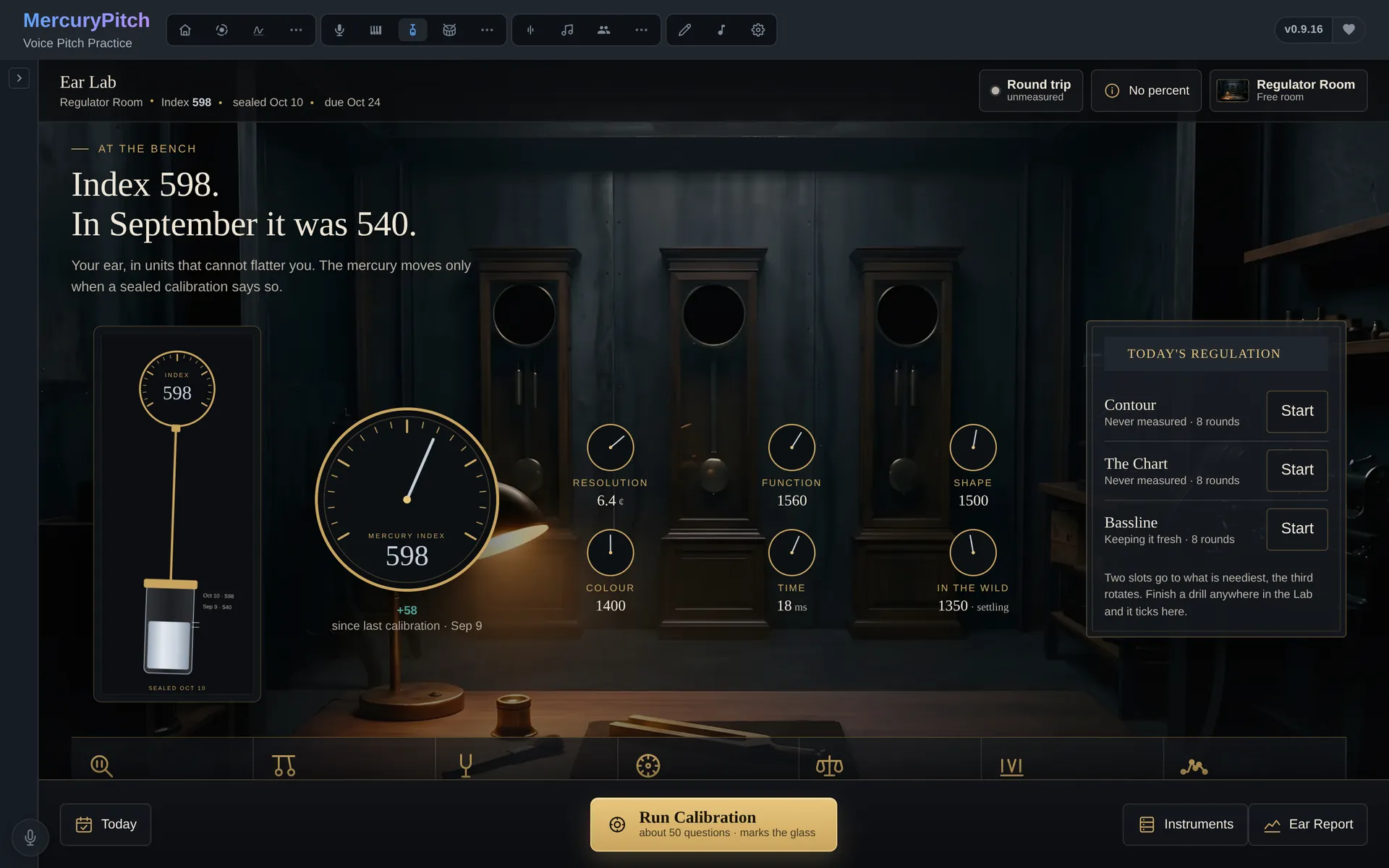
Everything else here listens to you. Ear Lab measures you back: 18 drills across pitch resolution, harmony, melody, timbre and time, each read in cents, milliseconds or decibels, never a percentage. A staircase closes in on the smallest difference you can still tell apart.
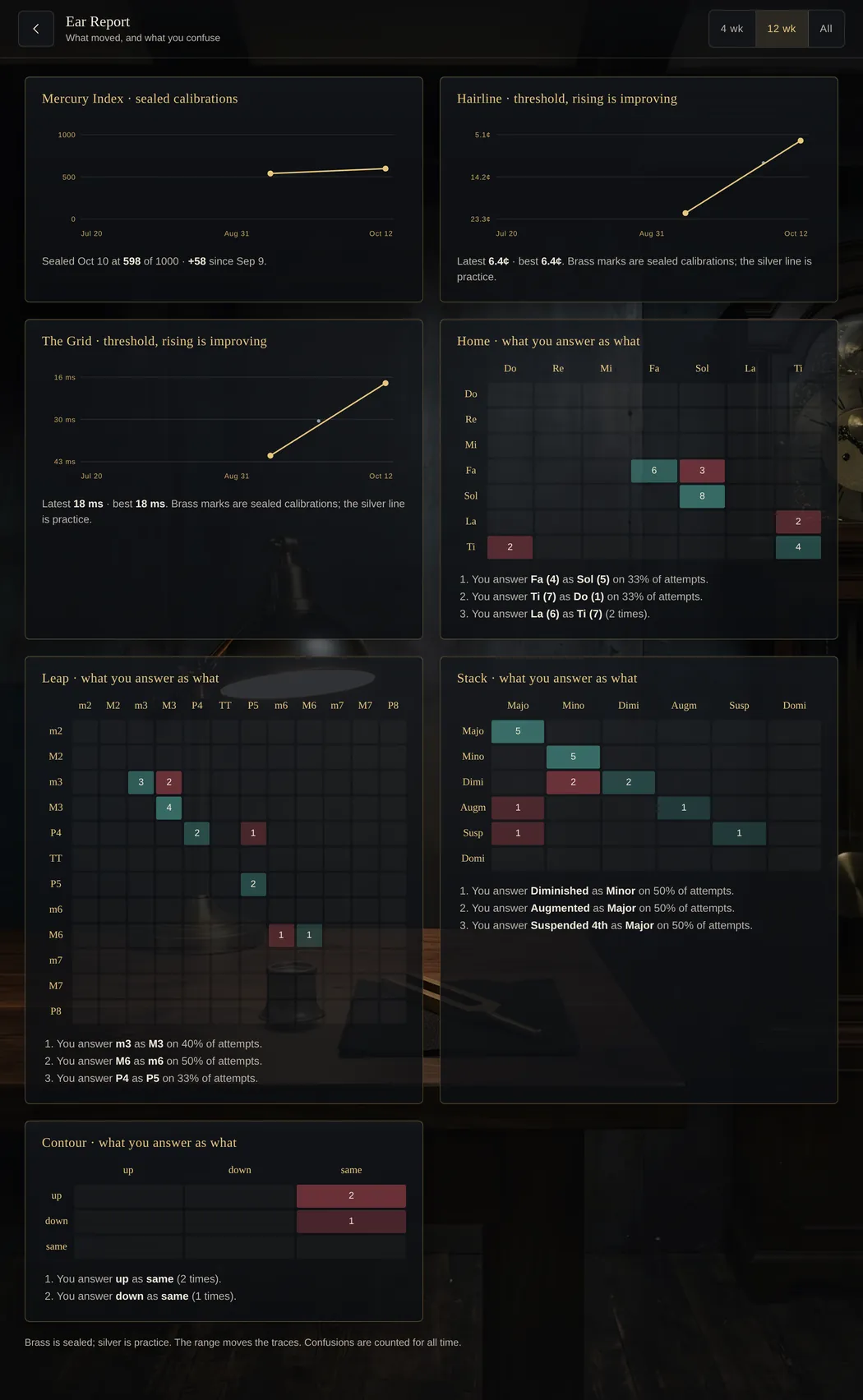
The Ear Report turns your mix-ups into a sentence, such as "You answer Fa as Sol on 33% of attempts." The Daily Sprint builds about five minutes from your weakest readings, and the Mercury Index pools your calibrated readings into one figure from 0 to 1000.
Practice and progress
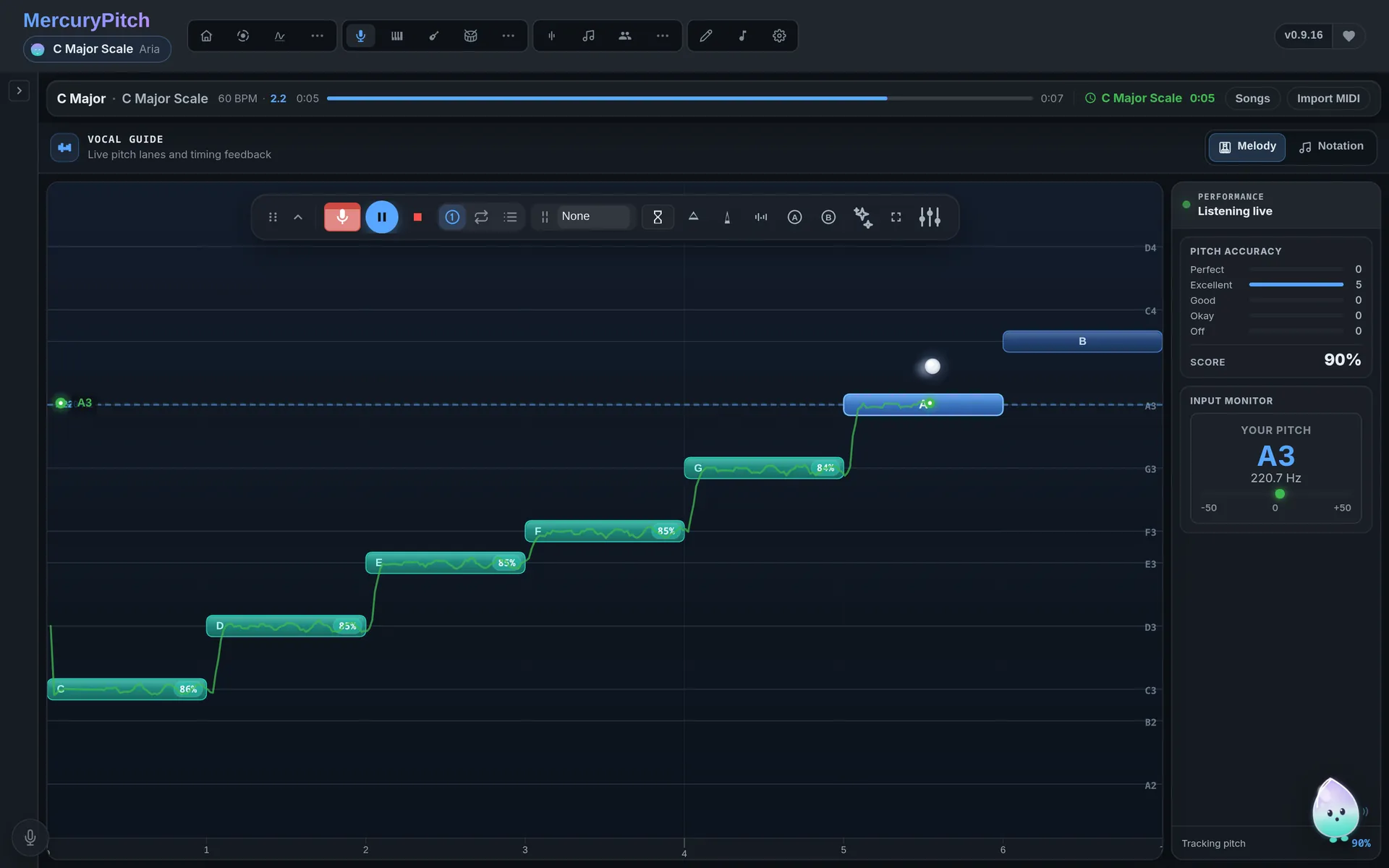
Run a scale or sing a melody, and watch your pitch drawn live against each target note. A guide voice plays the note for you. There are nine of them, from Aria's loud piano to Nova's octave below.
Focus Mode clears the screen down to you and the note.
Twin Trails lays an older take over a newer one on the same canvas, and neither is stretched to fit the other.
Each take ends on Keep or Discard, and what you keep stays on your device.
A weekly challenge to sing, and leaderboards for your league, your friends and everyone.
They need an account, and you choose whether to appear.
The pane rings at a note from your own range. Sing up to it and hold it until the cracks spread. Sixty seconds, free.
Why it's free
So singing and practice stay free. Two things are paid: cloud GPU separation runs on credits, and supporters get extra room backgrounds.